HTTP mock server for simulating APIs — ideal for triggering difficult to reproduce backend states.
Convention
With Mockaton there’s no need to write code for wiring up your mocks. Instead, a given directory is scanned for filenames following a convention similar to the URLs. For example, for /api/company/123, the filename could be:
my-mocks-dir/api/company/[id].GET.200.jsonDashboard
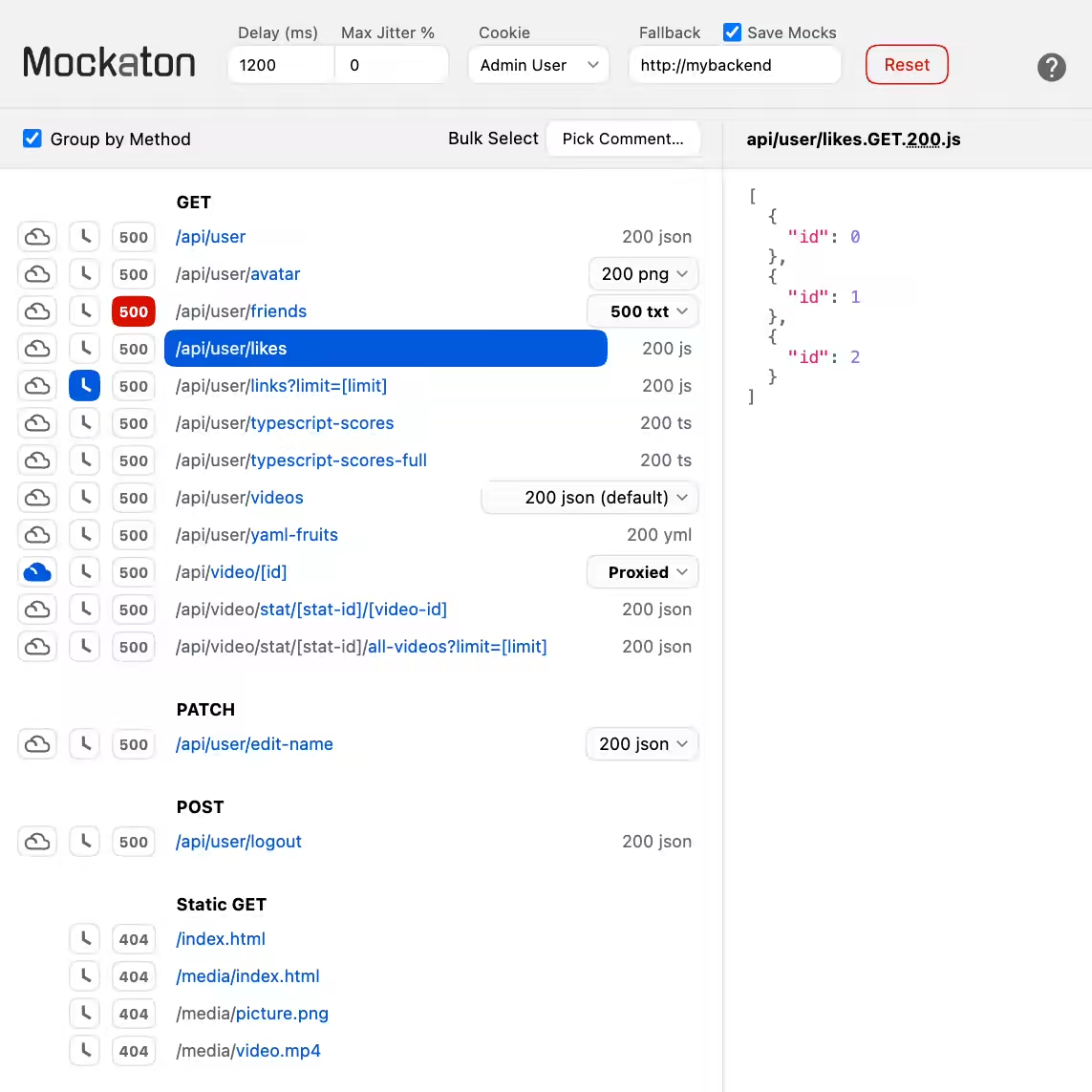
Dashboard Features
- Delay responses 🕓
-
Cycle an autogenerated
500error (e.g., for testing retries) - Select a mock variant for a particular route
-
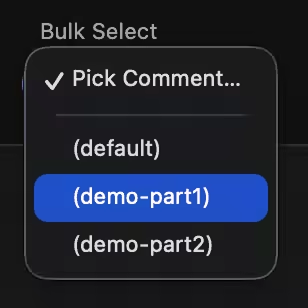
Bulk Select mocks
to simulate the complete states you need
On the other hand, there’s a Programmatic HTTP API, which is useful for setting up automated tests.
Multiple Mock Variants
Each route can have multiple mock files. You can do that by adding comments in parentheses to the filename:
api/user(at step 1.0).GET.200.json
api/user(at step 1.1).GET.200.json
Or, based on the response status code. Comments are optional in these cases:
api/login(invalid attempt).POST.401.json
api/login(locked out user).POST.423.json